A new tabworth opening.
Your calendar, the weather and what you meant to do today - waiting on the tab you already open fifty times a day, on a wallpaper that moves with the hour.
- Clock
- Weather
- Calendar
- Spotify
- Markets
And the parts that are just yours
What is playing, where you have been, the links you keep coming back to. This background is the one you get on day one.
- MITOpen sourceEvery line on GitHub
- ZeroTrackingNo analytics, no ads
- FreeAlwaysNo account required
And the parts that are just yours
What is playing, where you have been, the links you keep coming back to. This background is the one you get on day one.
That was not a screenshot
It was a live tab, showing your time.
WindoM replaces every new tab with this — your clock, your weather, your day, on a background that is actually worth looking at. A lantern-lit house beneath a glowing wisteria is one of four it ships with, and the lantern-lit house is the one waiting the moment you install it.
Works on Chrome, Arc, Brave, Edge and any Chromium-based browser.
 morning
 afternoon
 evening
 night
night
Today and tomorrow, in the same place
Tasks you add in a line, and the calendar you already keep, stacked in one sidebar. It opens from the tab you were going to open anyway.
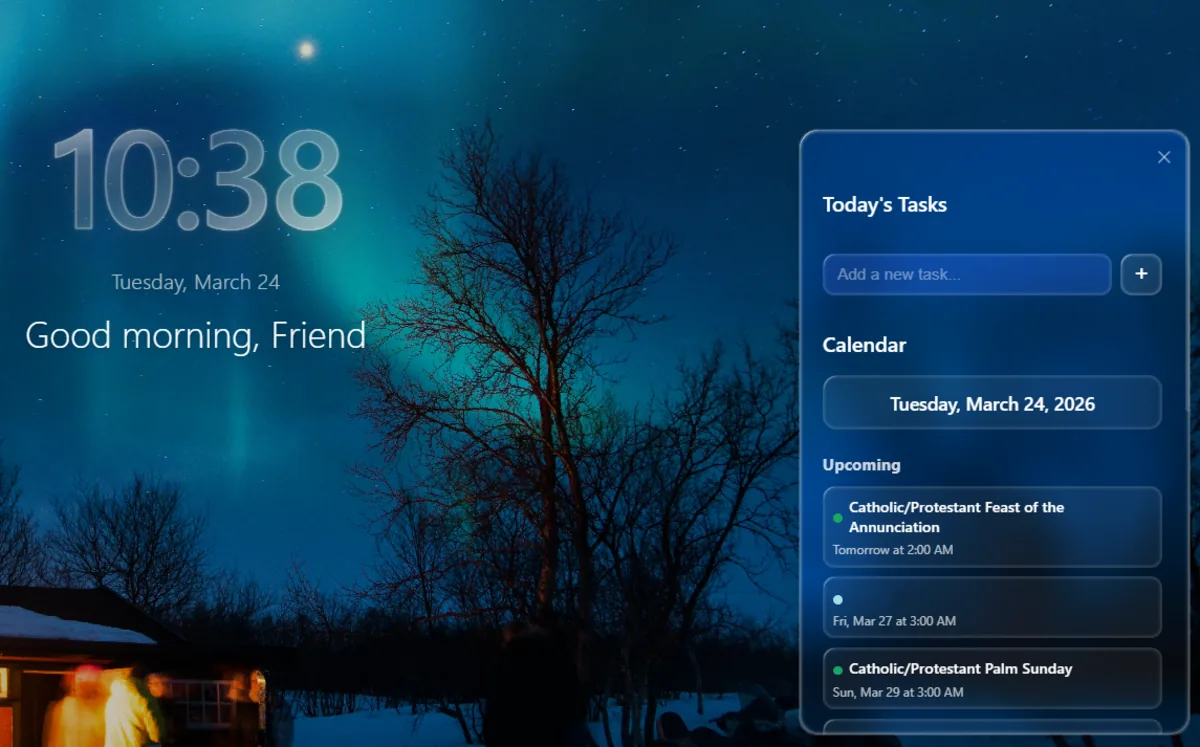
Every part of it is optional
Clock style, font weight, date format, which widgets appear at all. Turn off everything you do not want and the tab is just a photograph and the time.
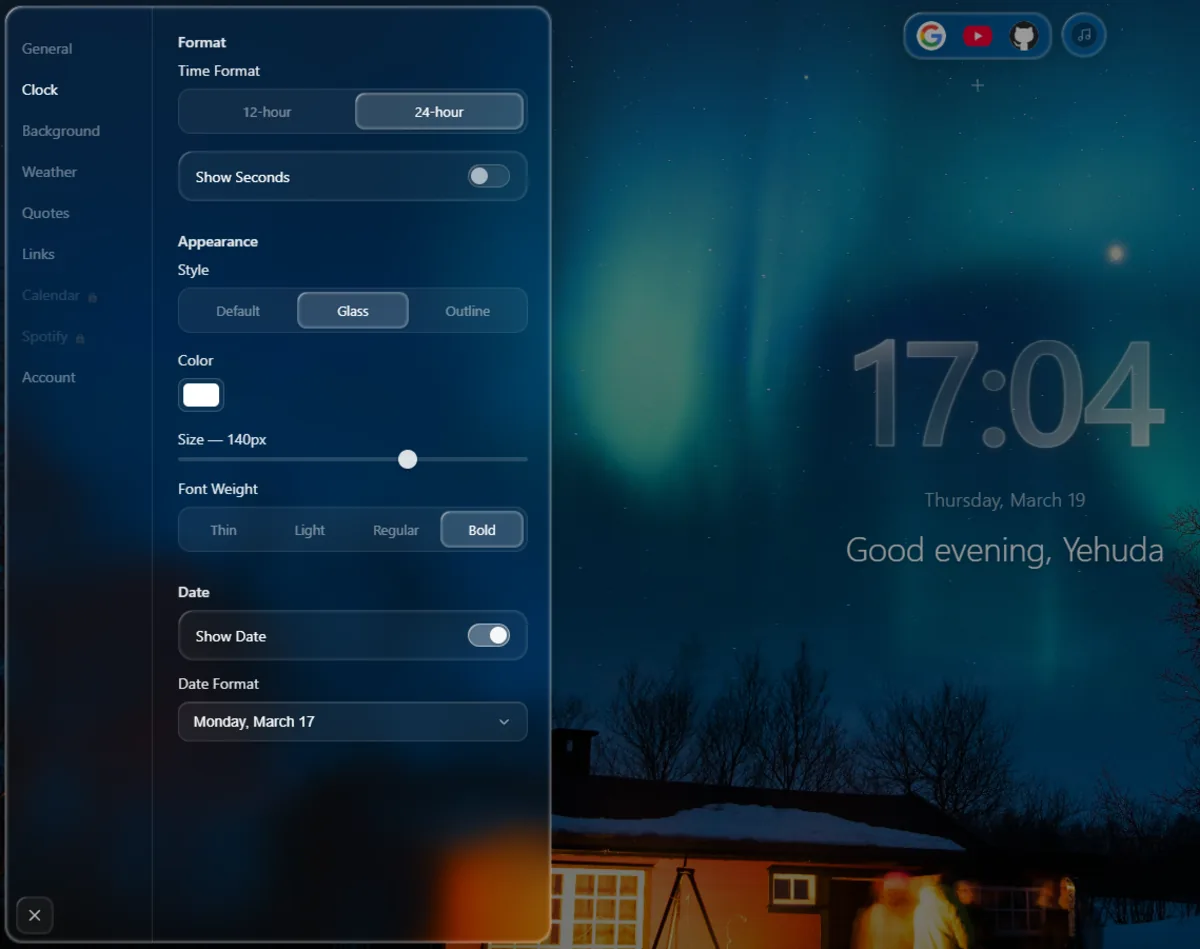
And the quiet parts
- Clock & GreetingPersonalised, and it adapts to the time of day.
- WeatherLive conditions via Open-Meteo. No API key, no account.
- BackgroundsUnsplash rotation, or upload your own image.
- Google CalendarYour upcoming events, synced to the sidebar.
- SpotifyNow playing, playback controls and your top tracks.
- FinanceStocks and crypto from Yahoo Finance and CoinGecko.
- GitHubOpen pull requests and issues across your repositories.
- TodosA local task list that is always one tab away.
- Focus ModeA distraction-free countdown that hides everything else.
- Quick LinksPinned shortcuts and a dock on every new tab.
- Tab HistoryRecent browsing, reachable from the sidebar.
- Daily QuotesA new one each day.
- SearchGoogle, Bing, DuckDuckGo or Brave.
- Cloud SyncOptional account to carry settings between devices.
Your new tab in seconds
1 · Add to Chrome
Install from the Chrome Web Store. No account, no sign-up.
2 · Open a new tab
That is it. The dashboard is already there.
3 · Make it yours
Open settings and turn on only what you want. Everything is optional.
No tracking. Ever.
WindoM does not track you. There is no analytics, no telemetry and no advertising. Your data stays in your browser unless you explicitly connect an account.
- Open Source
- MIT License
- No Telemetry
- No Ads
- Self-hostable
- Account Optional
Questions
Do I need an account?
No. The clock, backgrounds, weather, todos, quick links, quotes, search and focus mode all work with no account at all. An account is only needed for Google Calendar and Spotify, because those have to authenticate with their own providers.
Does it work offline?
The dashboard itself does. Anything that fetches - weather, quotes, calendar, finance - needs a connection, and falls back to cached values where it can.
Does it track me?
No analytics, no telemetry, no ads. Your settings live in Chrome storage. If you create an account, settings sync through the backend so they follow you between devices - nothing else is collected.
Which browsers work?
Chrome, Arc, Brave, Edge and any other Chromium-based browser. Firefox is not supported: it uses a different extension model for new-tab replacement.
Can I self-host the backend?
Yes. It is a Fastify API with Postgres, and the whole thing runs under Docker Compose. The local setup guide walks through it.
What happens if I uninstall it?
Chrome removes everything stored locally. If you made an account, you can delete it from Settings to remove the synced copy too.
Built in the open
Every line is public, MIT licensed, and built solo. Issues and pull requests are welcome.